Notices and notifications
Short announcements on your site and hall screen, and on people's phones if you like.
Every planGo to this page in your dashboard
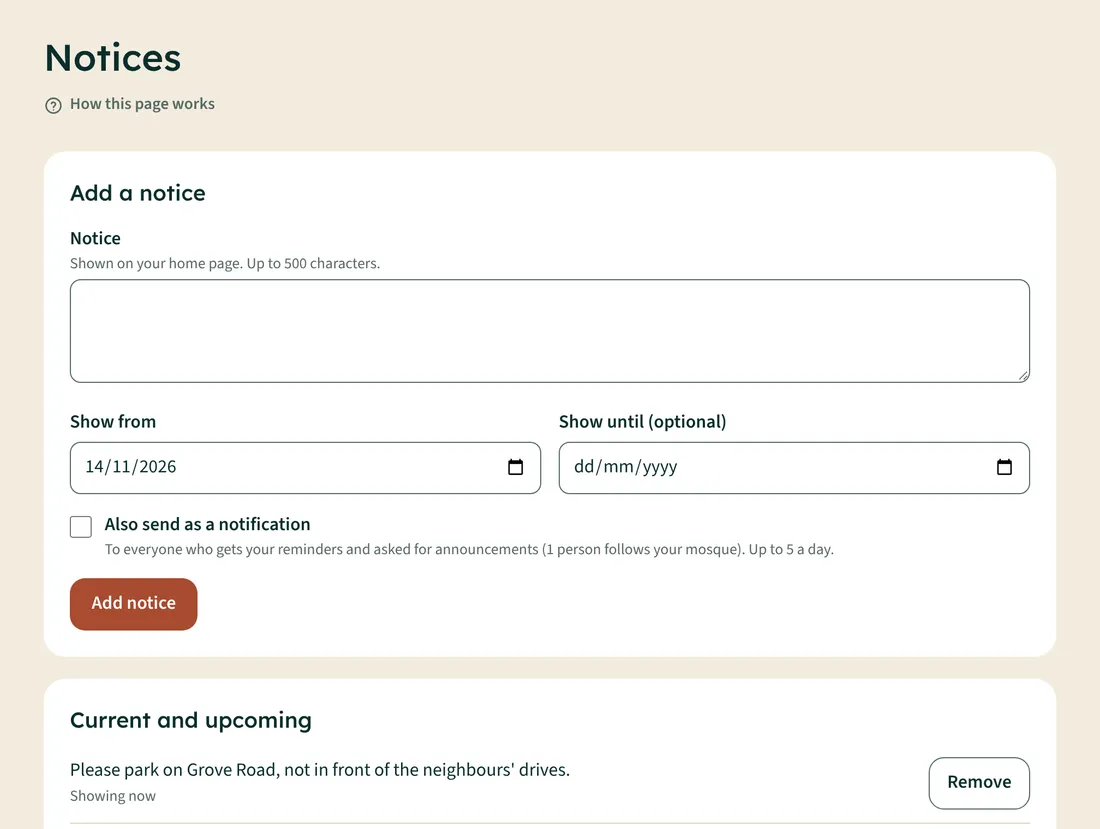
- Open Notices.
- Write the notice (up to 500 characters).
- Choose Show from and, if it should stop, Show until.
- To send it to people's phones as well, tick Also send as a notification (Standard and Premium).
- Tap Add notice.
Notices show on your home page and hall screen. Tap Remove to take one down early.