Events and posters
Classes, talks and Eid, each with its own page to share, and a poster if you have one.
Standard and PremiumGo to this page in your dashboard
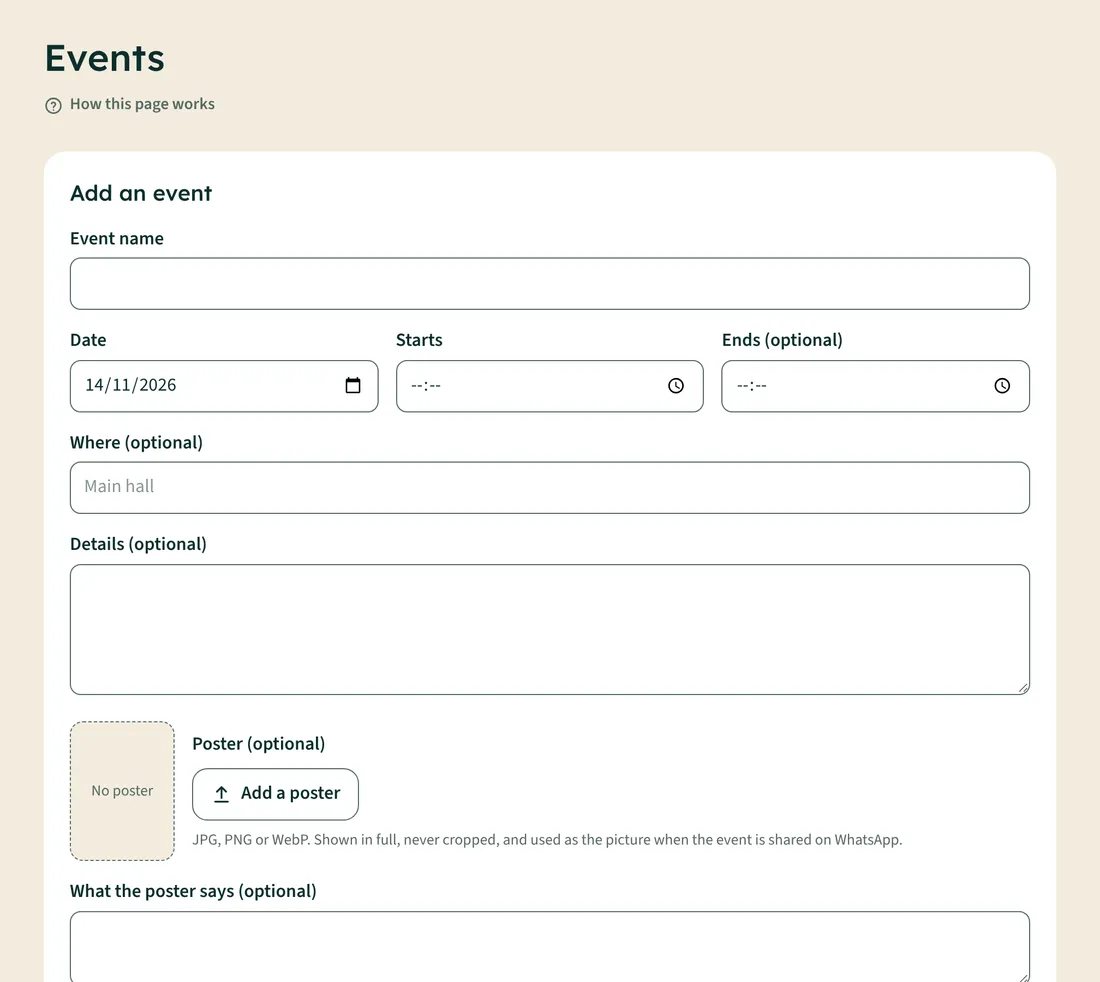
- Open Events.
- Type the Event name, Date and start time. Ends, Where and Details are optional.
- To add a poster, tap Add a poster and choose the picture (JPG, PNG or WebP). It's shown in full, never cropped.
- Under What the poster says, type the main words (speaker, date, "free entry"). This is read out to blind visitors.
- Tap Add event.
Sharing an event
Every event has its own page with the poster, details, Add to calendar and Share on WhatsApp. Tap Open the event page to share under the event. When you share that link, the poster shows as the preview picture.
Changing a poster
Under each upcoming event, tap Choose another to replace the poster, or Remove poster. Delete event removes the whole event.