The Today page
What you see when you sign in, and the quickest way to the things you do most.
Every planGo to this page in your dashboard
Today is the first page you see after signing in. It shows what your congregation sees right now.
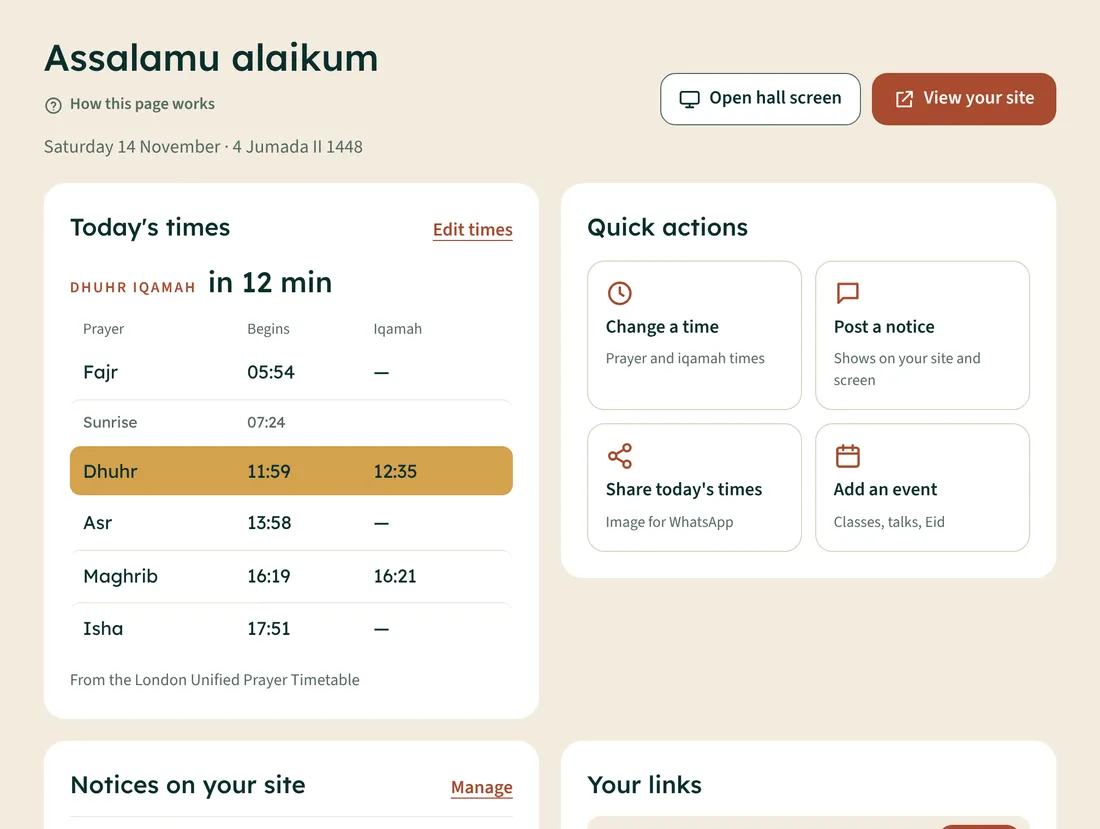
- Today's times: start and iqamah times, with the next iqamah highlighted and a countdown. Tap Edit times to change them.
- Quick actions: change a time, post a notice, share today's times on WhatsApp, add an event.
- Notices on your site: what's showing now, and until when.
- Your links: your website and hall screen addresses, with a Copy button for each.
- Open hall screen and View your site at the top open them in a new tab, so you can check them.
Finding your way around
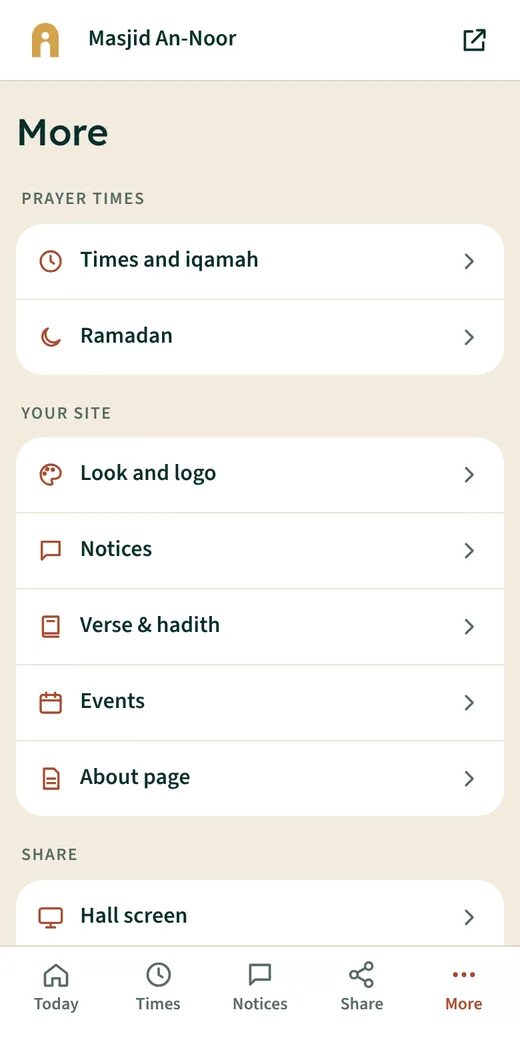
On a computer, everything is in the menu on the left, grouped as Prayer times, Your site, Share and Mosque. On a phone, use the bar at the bottom; More has everything else.