Creating your account and signing in
Start free with your email. There's no password: we email you a link each time.
Every plan
Iqamly doesn't use passwords. Each time you sign in, we email you a link. Tap it and you're in.
Start your mosque's account
- Go to Start free and type your email. Use one you'll keep: you'll run the mosque's site with it.
- Tick that you agree to the terms, then tap Email me a sign-in link.
- Open the email from Iqamly and tap the link. Use the same phone or computer if you can.
- Tell us your mosque's name and postcode. Your website address is made from the name.
- Choose where your prayer times come from (see Choosing where your times come from). Your website is live straight away.
Signing in next time
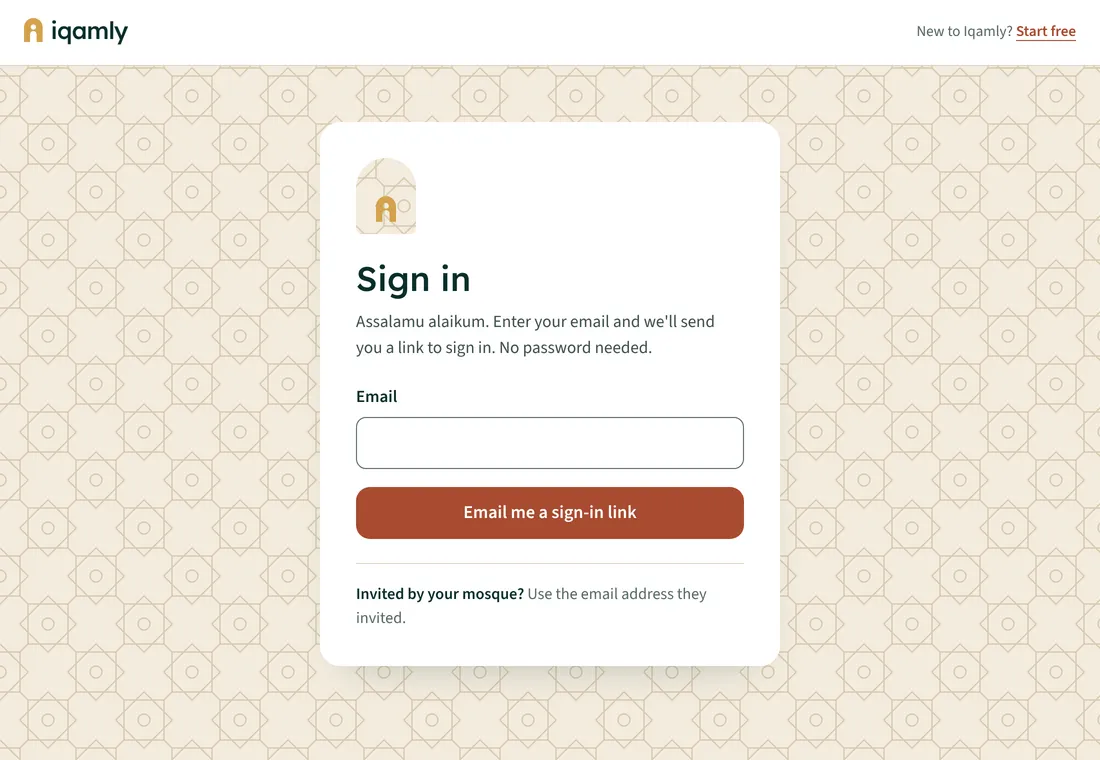
- Go to iqamly.vercel.app/admin.
- Type your email and tap Email me a sign-in link.
- Tap the link in the email. You stay signed in on that device until you sign out.
If someone at your mosque added you to the team, sign in with the exact email address they used. See Adding your team.